Docs / Workflows / Actions / Delay
Delay
Hold a job’s output until a duration has passed or a weekday and time arrive. Later jobs continue when that output is published.
Timing
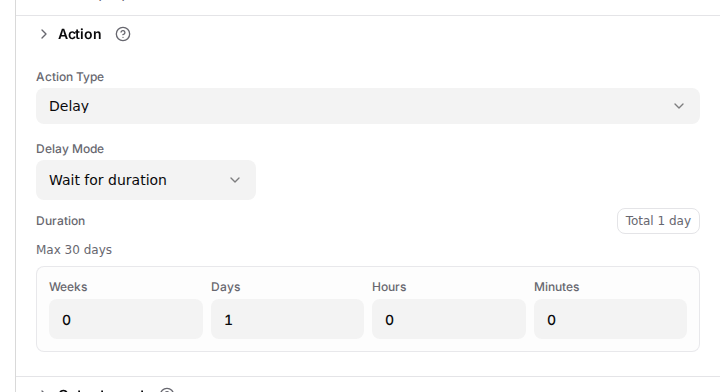
- Wait for duration
- Days, hours and minutes are counted from when the action runs. Days follow the calendar in the configured timezone, so a day across a clock change need not be 24 hours.
- Wait until
- The action waits for the next occurrence of a weekday and local time. If that time has already passed today, the wait ends on that weekday next week.
Held output
OAIZ prepares the output event before the wait and stores it until the due time. Logs and the canvas show Waiting for delay while the event is held. Delay creates no additional action result fields.
A delay affects the continuation of this run. Schedule starts separate runs at recurring times. With Publish Events off, a test skips the wait and returns the prepared output immediately.
A follow-up next Tuesday
A follow-up can wait until Tuesday at 09:00 in Europe/Stockholm. A run that reaches this action on Tuesday after 09:00 waits until the following Tuesday.