All videos
Video guides
Learn OAIZ, one short video at a time
The videos follow the docs: each series covers one concept, starting with what it is and then how it works in the app. Start with Start here, or filter by your role and use case to find the videos for you.
Start with What can you do with OAIZRole
Use case
Start here
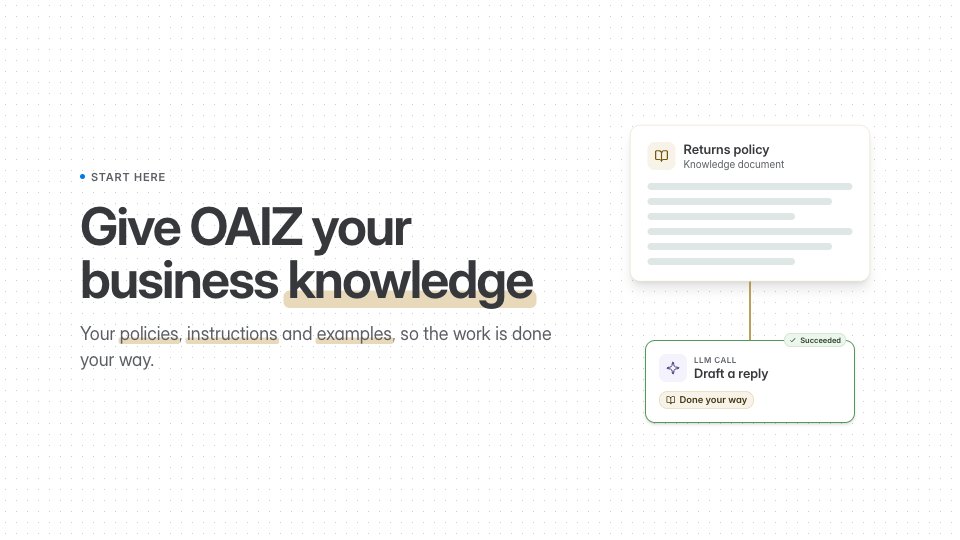
 4 minStart hereWhat OAIZ can do for your team, and how you build a first workflow by describing it in Chat.
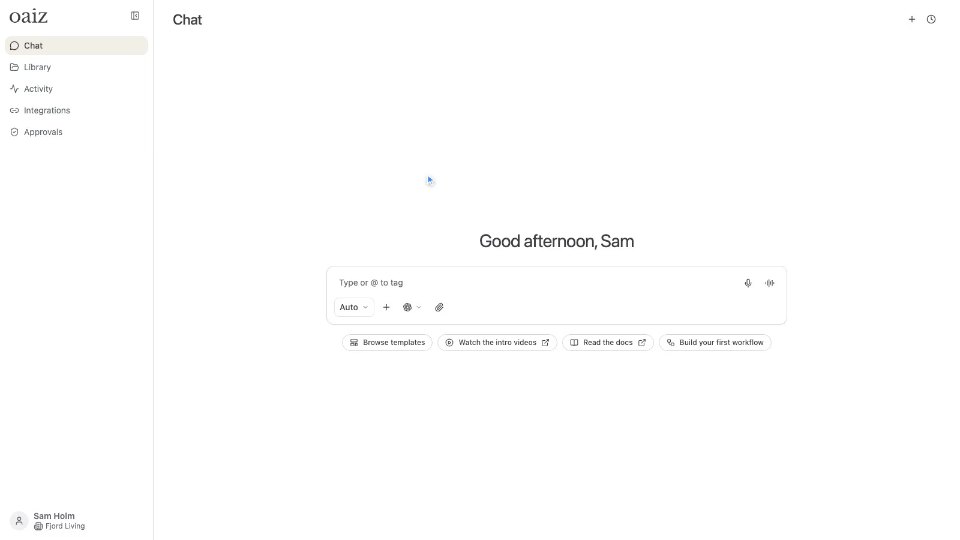 5 minThe platformFind your way around Chat, Library, Activity and Approvals, see what your workflows are worth, and choose who can see and change each resource.
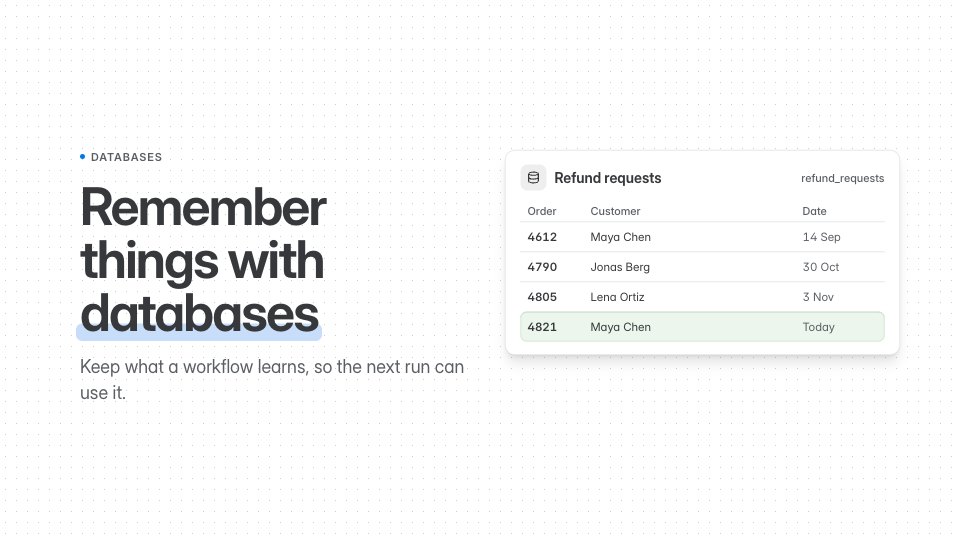
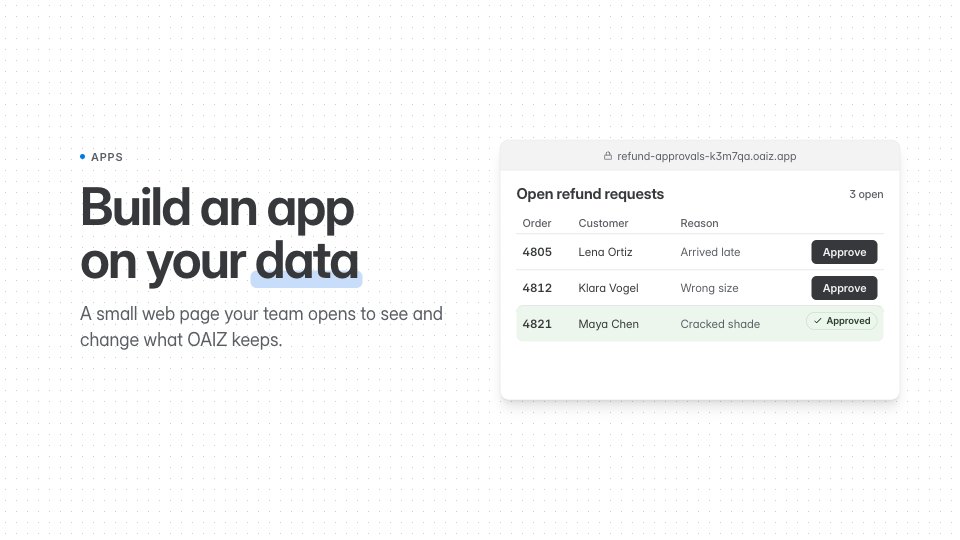
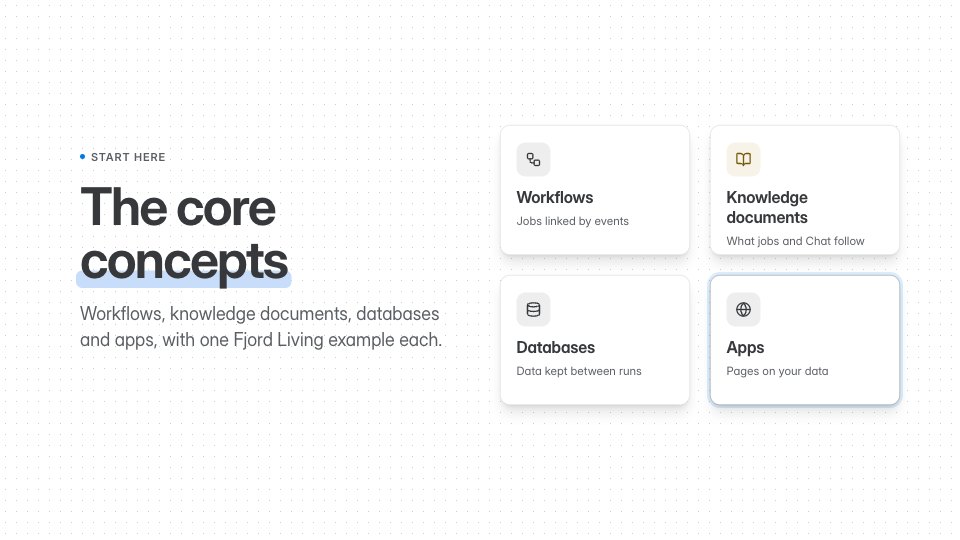 3 minCore conceptsWorkflows, knowledge documents, databases and apps: what each one is and how they work together.
Workflows
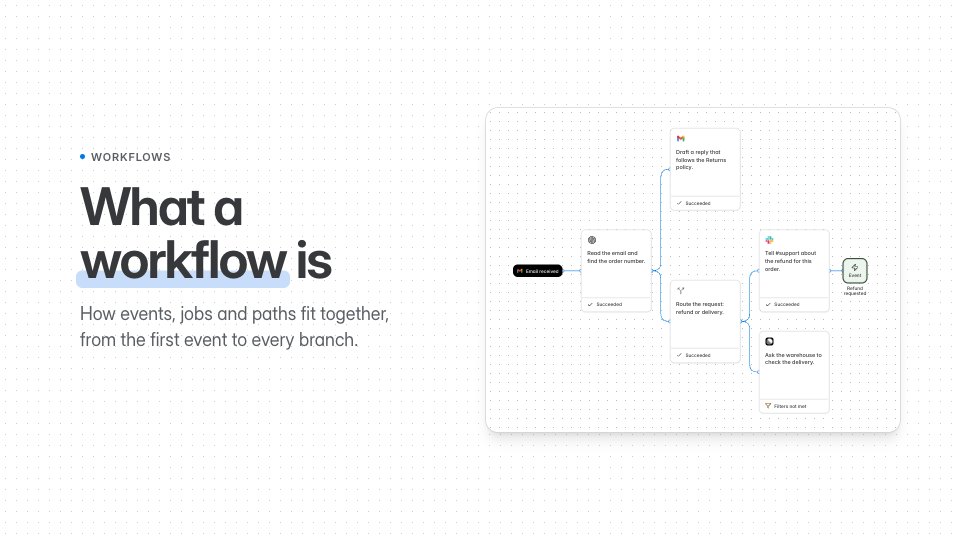 9 minWorkflowsWhat a workflow is, how you read it on the canvas, test it, put it live and restore an earlier version.
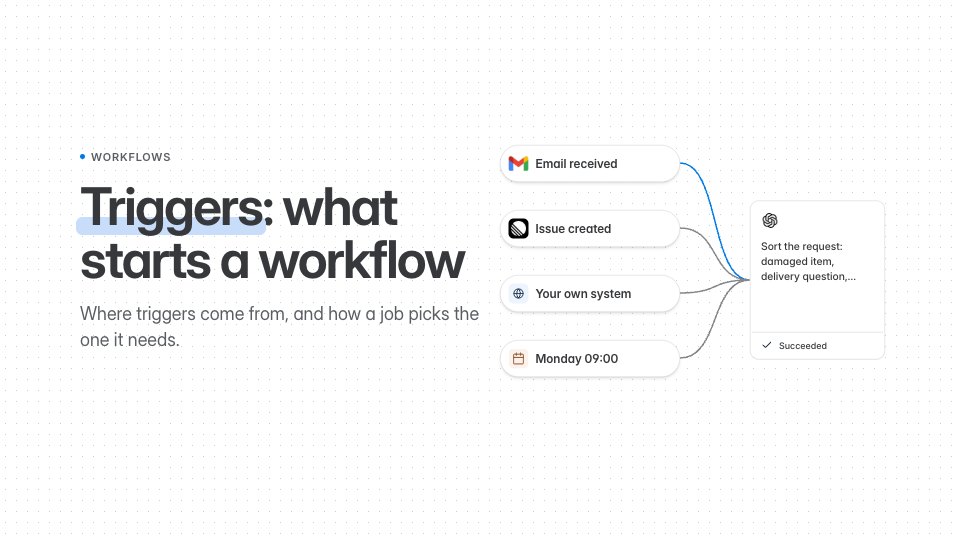 5 minEventsWhat starts a workflow, what an event carries, and how you publish one yourself.
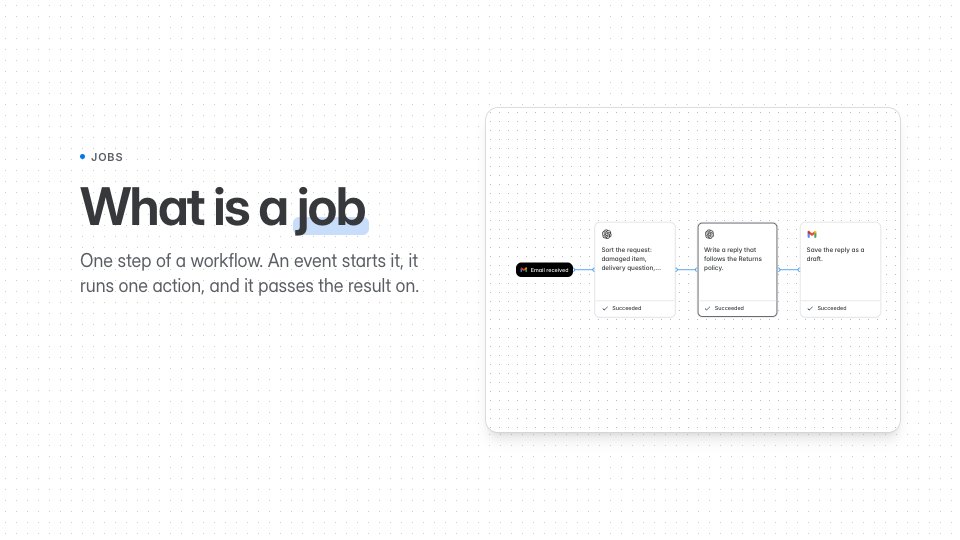 10 minJobsWhat a job is, and every part of one in the job editor: trigger, Filters, action, knowledge, output event and access.
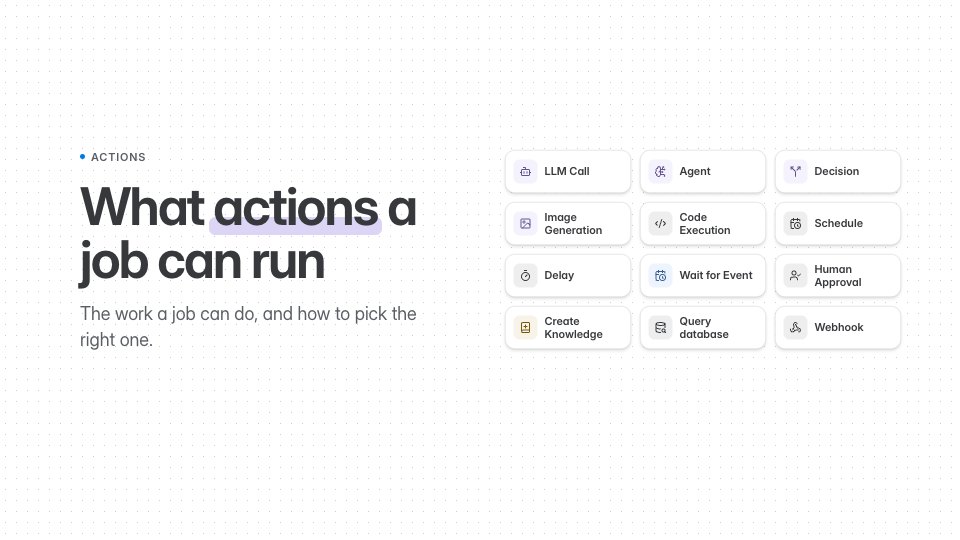 7 minActionsThe actions a job can run, built in or from an integration, an Agent’s tools and skills, and workflows that wait.
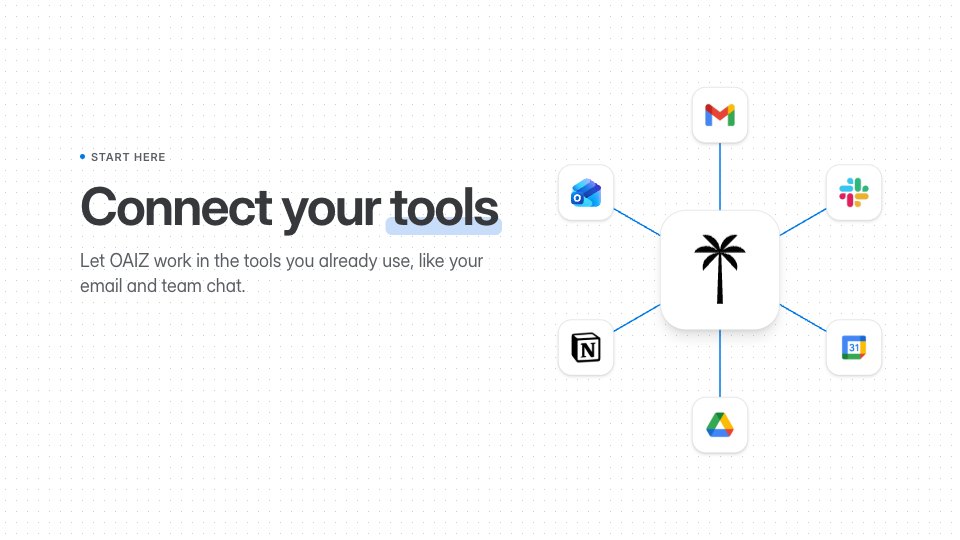 29 minIntegrationsThe accounts you connect, and the events, actions and Agent tools each one gives your jobs.
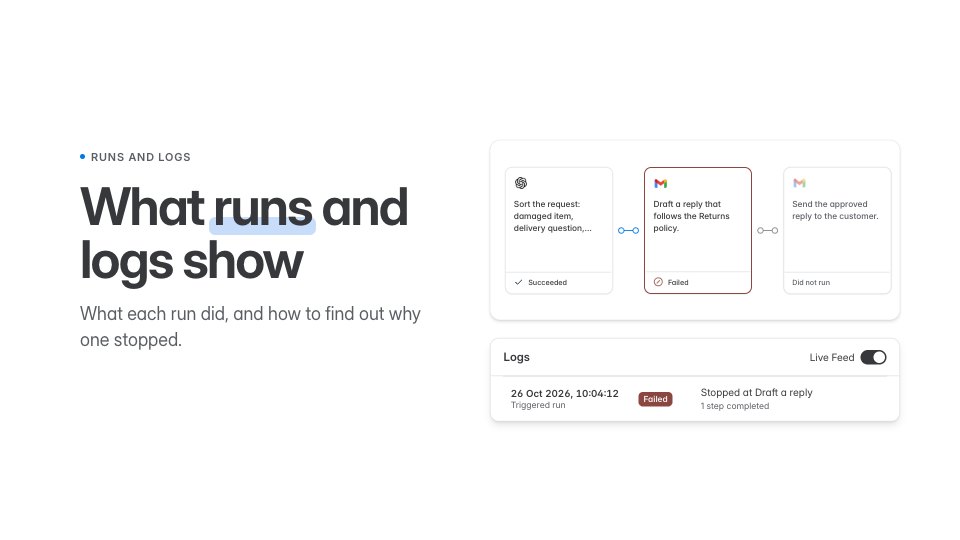 7 minRuns and logsWhat each run of a workflow shows, how Logs explain what happened, and how you find why something did not work.
Knowledge
Databases
Apps
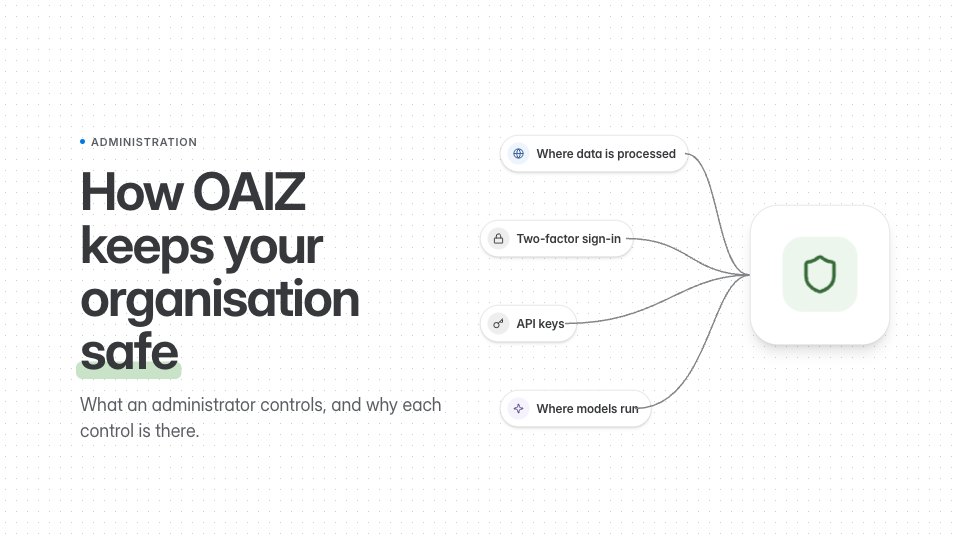
Administration
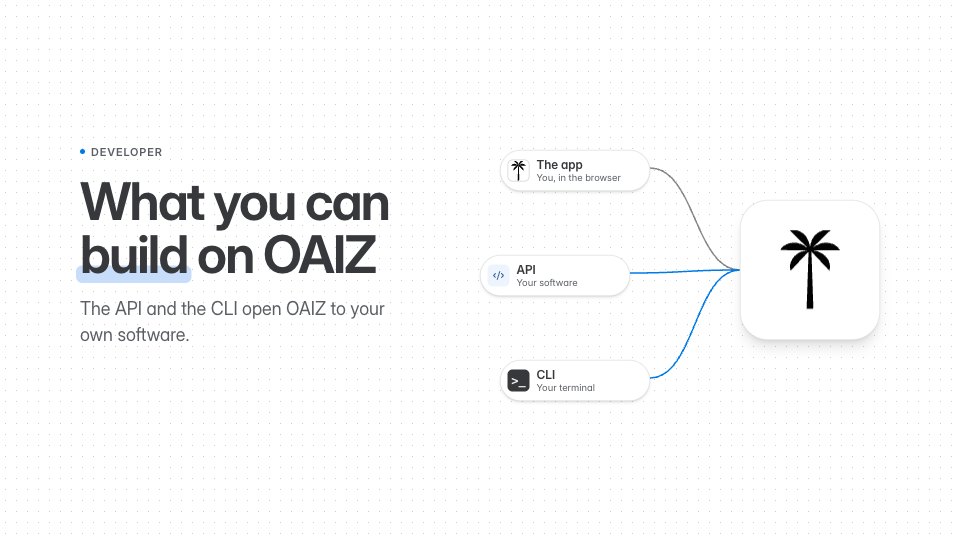
Developer
The narration is AI-generated, and every video has captions. Press C to turn captions on or off. The left and right arrows skip five seconds, 1 to 9 jump to a section, M mutes, and S or D slow down or speed up. Each video remembers where you stopped.