All videos
Integrations · 1:02
What you can do with Google Calendar
What Google Calendar lets your workflows do: real uses, the events that start them and its read and write actions.
Transcript
0:00What you can do with Google Calendar
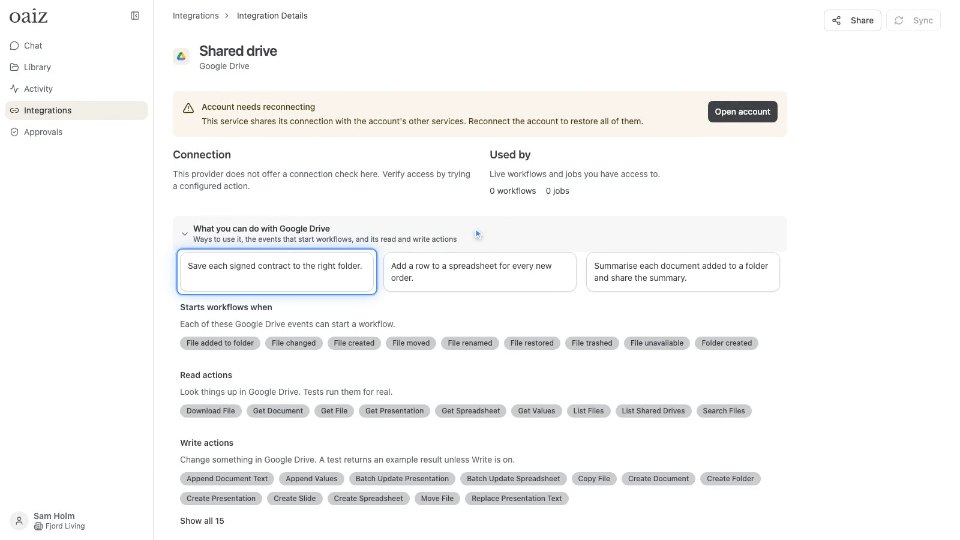
Google Calendar connects to OAIZ as an integration. Each Google Calendar integration’s page shows what you can do with it. For example: Create a calendar event when a customer books a call. Check free and busy times before suggesting a meeting. Post tomorrow’s meetings to your team every evening. Each of these Google Calendar events can start a workflow. Read actions look things up in Google Calendar. Tests run them for real. Write actions change something in Google Calendar. A test returns an example result unless Write is on. In a job, set Action Type to Google Calendar to run any of these actions. To connect your own, open Integrations, choose Create and pick Google Calendar. The same summary shows before you connect. Then name it, choose who can use it, and connect.