All videos
Databases · 1:11
Browse, edit and query your data
Add and edit rows, filter the table, and run a query with its history.
Transcript
0:00Browse, edit and query your data
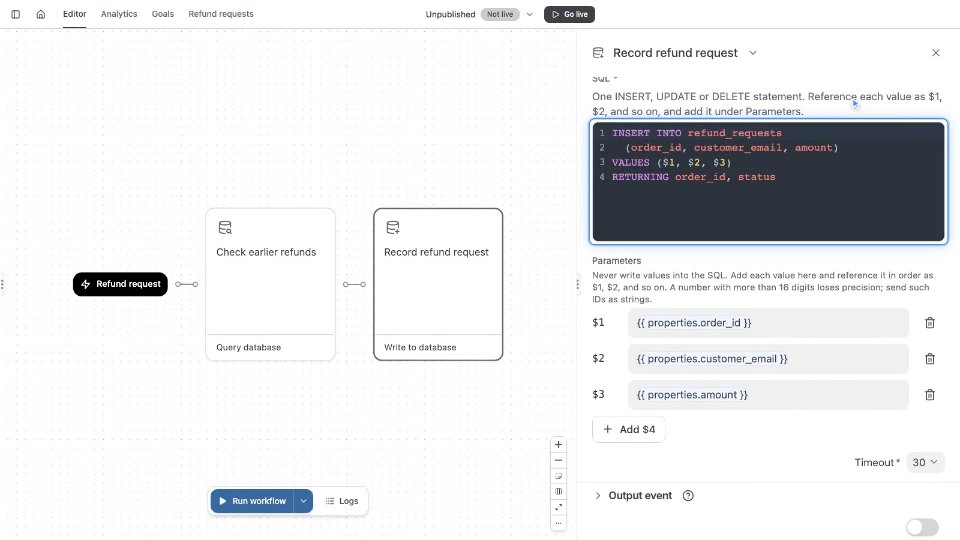
Sam keeps one row per refund request in the refund_requests table. It holds five so far. Maya Chen asks for a refund on order 4821. Add row opens a field for each column. Sam fills in the order, the email, the amount and the status. The id and created_at fill themselves. Jonas’s refund for order 4827 is approved. Double-click his status cell and type the new value. The change waits in a bar until Sam saves it. Then it is written to the database. To see one customer’s requests, filter the rows. Pick a column, a condition, then a value. Maya has two requests: order 4812, refunded last month, and order 4821, open today. Query runs SQL on the same rows. Sam counts the requests in each status. Run query shows the result below. Three requests are refunded, more than any other status. History keeps Sam’s recent queries for this database, private to Sam. Restoring one does not run it.