All videos
Developer · 1:59
Call the API
Create an API key, send it with each request, read your workflows and publish an event that starts one.
Transcript
0:01Welcome
Your own programs can work with OAIZ through its API. Here is one request, from the key to the answer.
0:10Create a key
A program proves who it is with an API key. You create one in Settings, under API keys. Name the key and choose when it expires. Pick a service account when a system, not a person, owns it. The key reaches only what its owner can reach. The full key shows only once. Copy it into your program's secret settings.
0:35Send the key
Keep the key on your server, in an environment variable, and out of browser code. Every request carries it in the Authorization header, after the word Bearer.
0:47Read your workflows
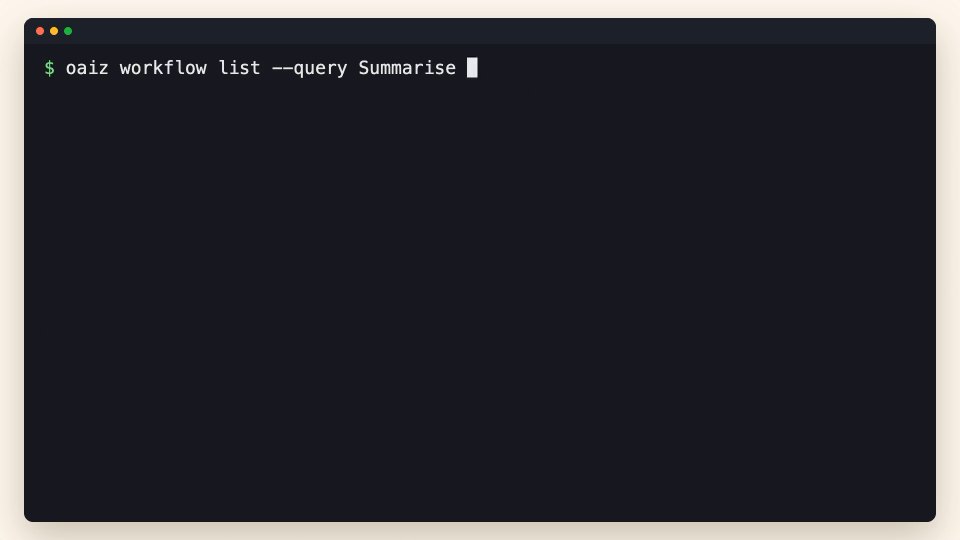
Start with a read. This request lists the workflows the key can see. The answer is JSON. The workflows sit in a list called items. When hasMore is true, send nextCursor back to fetch the next page. A 401 means the key was not accepted. A 403 means its owner is not allowed to do this.
1:11Send an event
Next, something useful. Your system can send OAIZ an event, such as a customer message. Post it to the publish address, with the provider custom for your own systems. Properties hold the content. A unique key stops OAIZ from storing the same event twice. OAIZ answers Event published, with the event's ID. Every live workflow whose trigger is that event type starts.
1:39Keep going
In code, the SDKs for TypeScript, Python and Go make the same calls and follow every page for you. You can now create a key, read your workflows and send an event. The API page in the docs links to every endpoint.