All videos
Integrations
29 min
The accounts you connect, and the events, actions and Agent tools each one gives your jobs.
Start with Connect your tools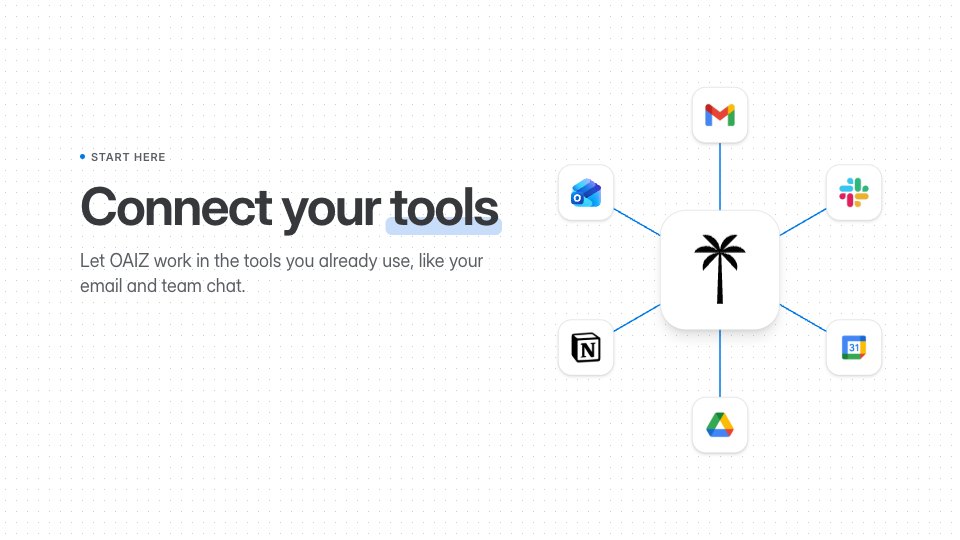 1:30Connect your toolsConnect an account, pick the right one, and know what it can change.
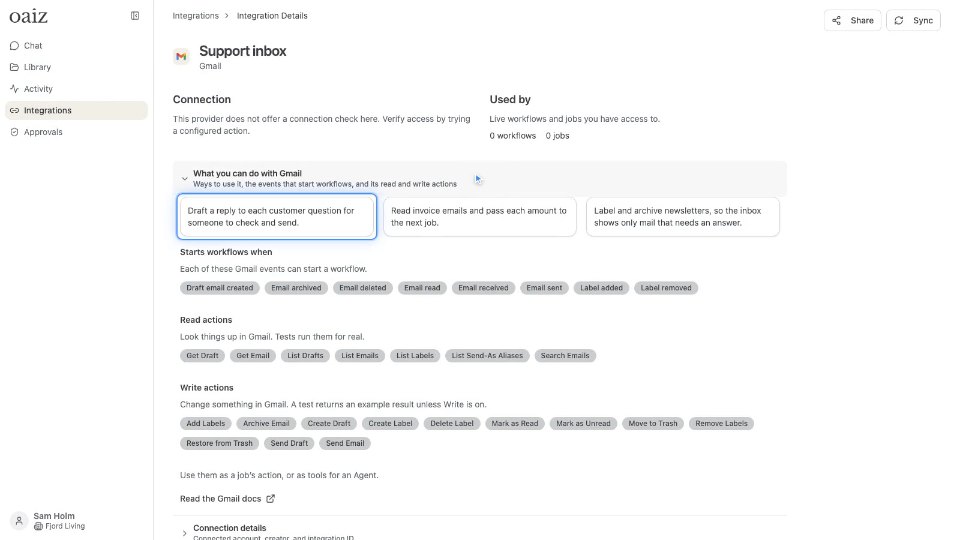 1:05What you can do with GmailWhat Gmail lets your workflows do: real uses, the events that start them and its read and write actions.
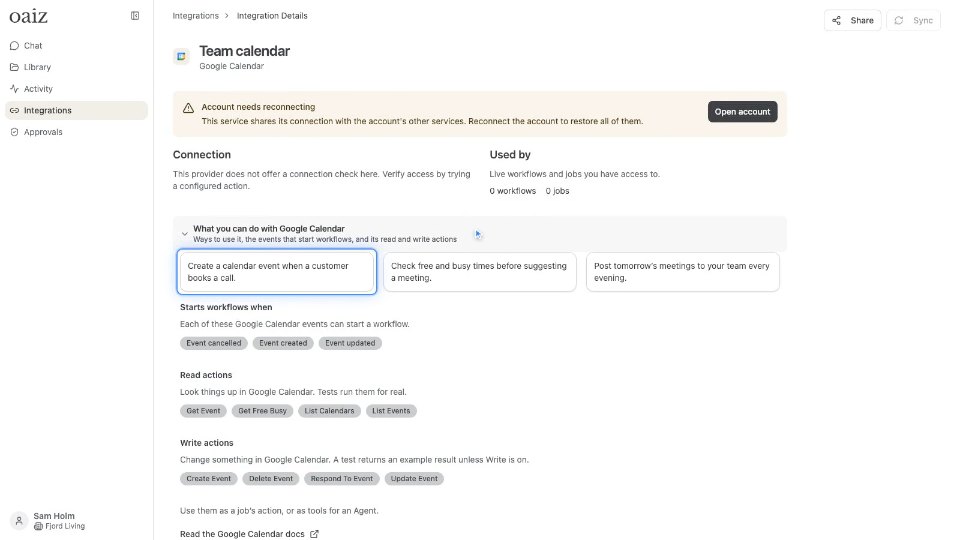 1:02What you can do with Google CalendarWhat Google Calendar lets your workflows do: real uses, the events that start them and its read and write actions.
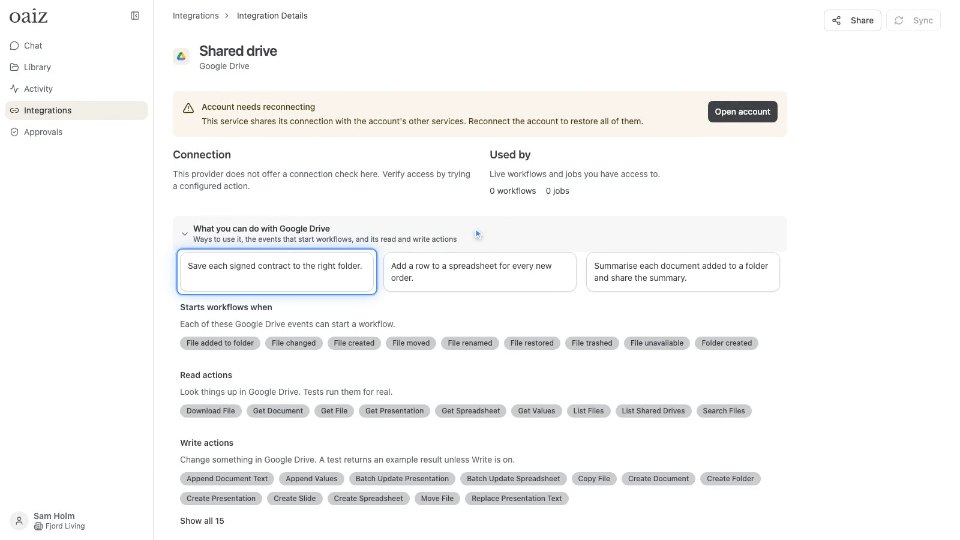 1:04What you can do with Google DriveWhat Google Drive lets your workflows do: real uses, the events that start them and its read and write actions.
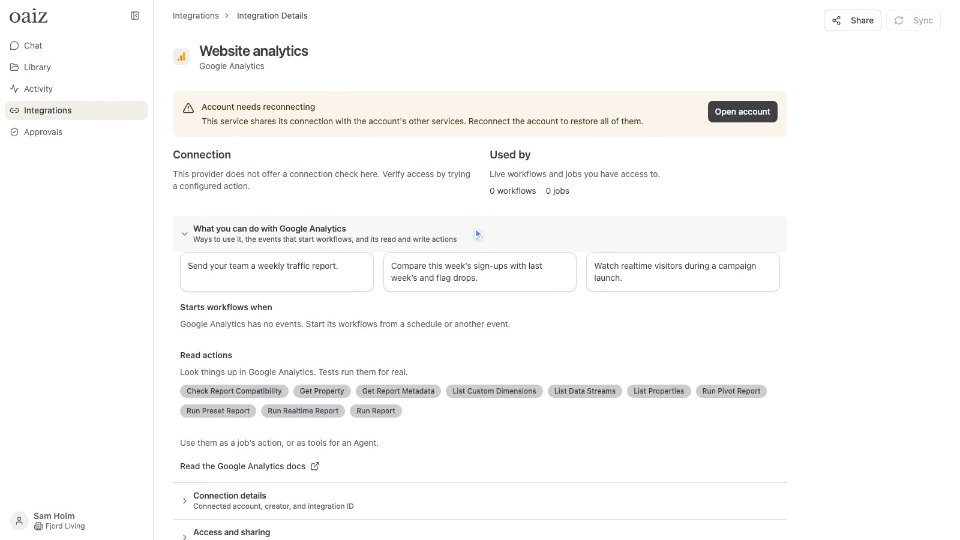 1:08What you can do with Google AnalyticsWhat Google Analytics lets your workflows do: real uses, the events that start them and its read and write actions.
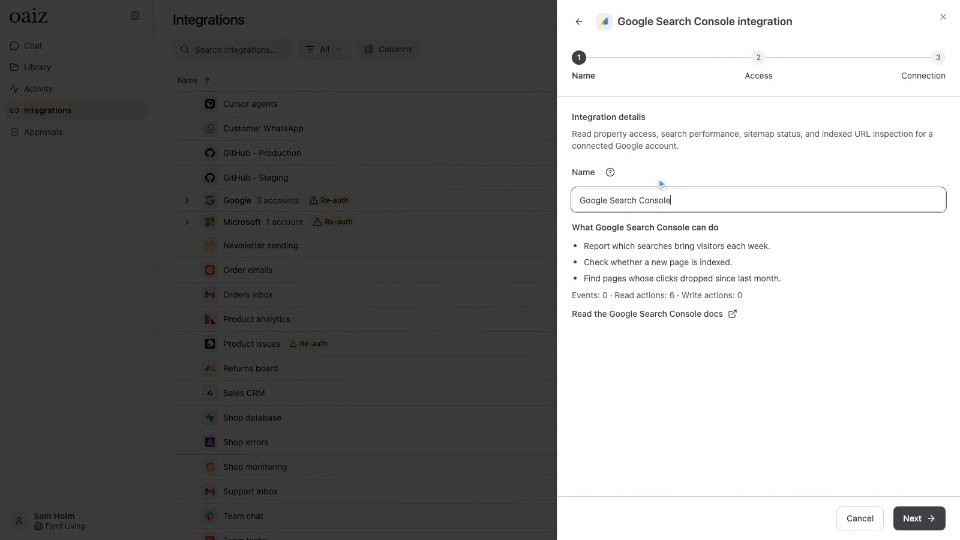 0:46What you can do with Google Search ConsoleWhat Google Search Console lets your workflows do: real uses, the events that start them and its read and write actions.
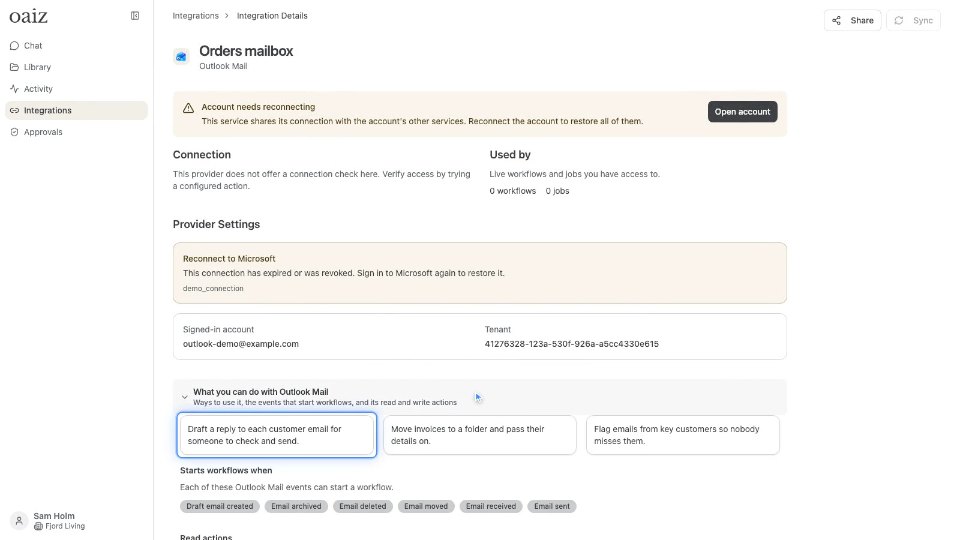 1:06What you can do with Outlook MailWhat Outlook Mail lets your workflows do: real uses, the events that start them and its read and write actions.
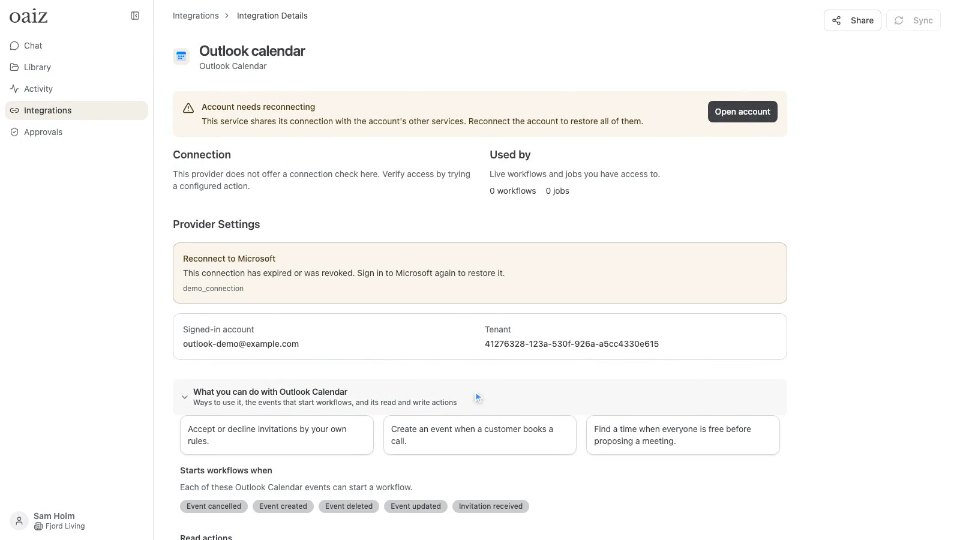 1:07What you can do with Outlook CalendarWhat Outlook Calendar lets your workflows do: real uses, the events that start them and its read and write actions.
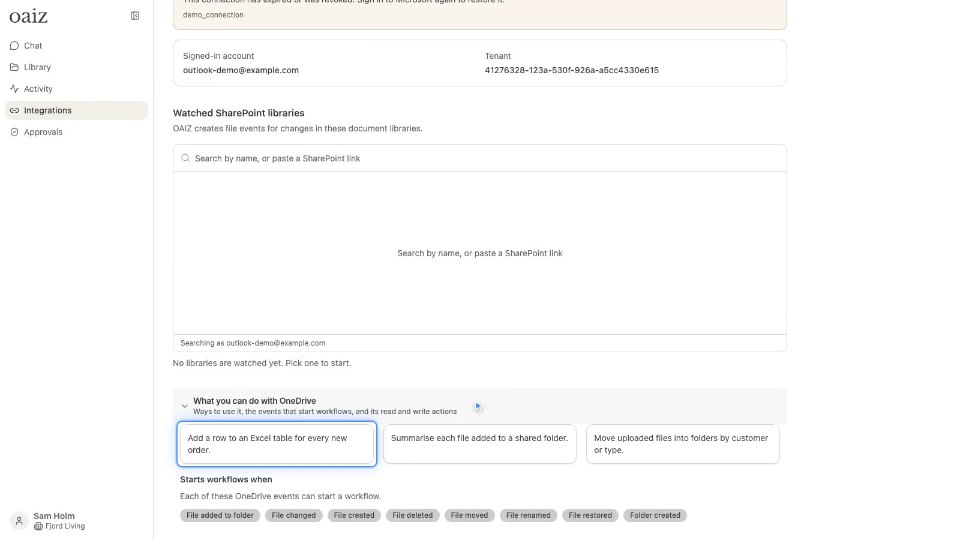 1:02What you can do with OneDriveWhat OneDrive lets your workflows do: real uses, the events that start them and its read and write actions.
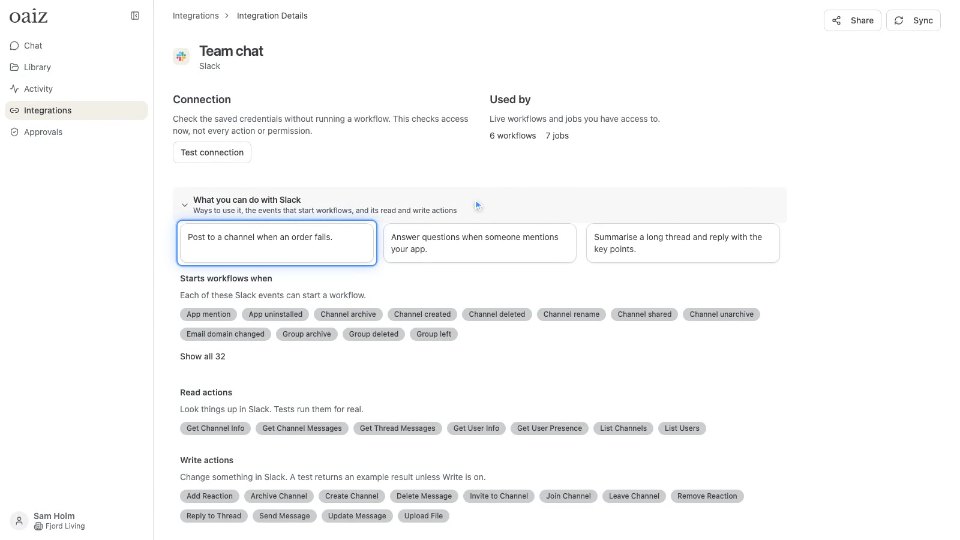 1:03What you can do with SlackWhat Slack lets your workflows do: real uses, the events that start them and its read and write actions.
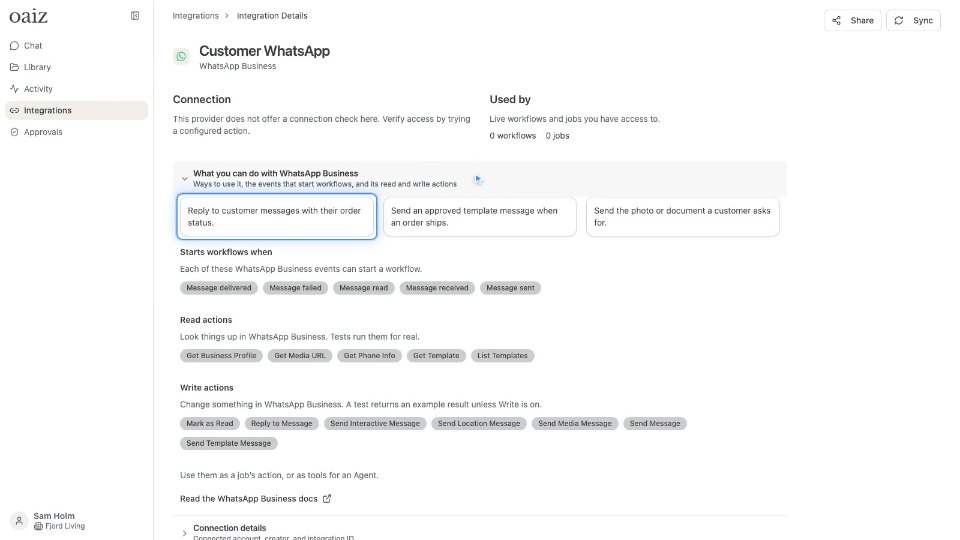 1:09What you can do with WhatsApp BusinessWhat WhatsApp Business lets your workflows do: real uses, the events that start them and its read and write actions.
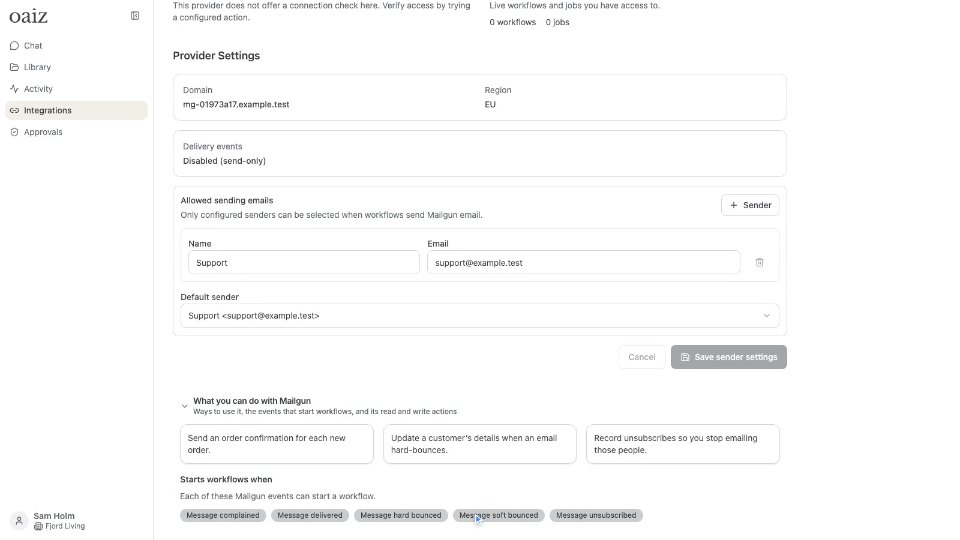 1:13What you can do with MailgunWhat Mailgun lets your workflows do: real uses, the events that start them and its read and write actions.
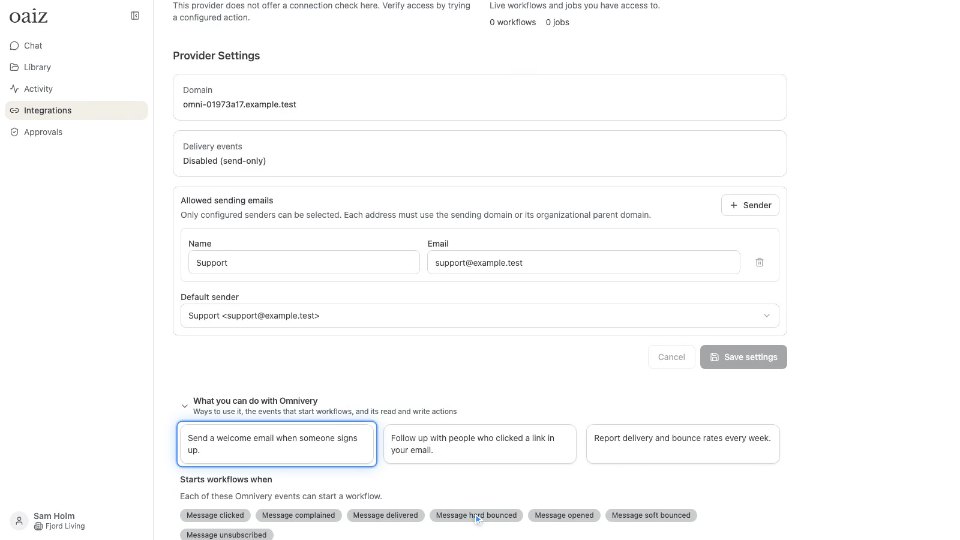 1:15What you can do with OmniveryWhat Omnivery lets your workflows do: real uses, the events that start them and its read and write actions.
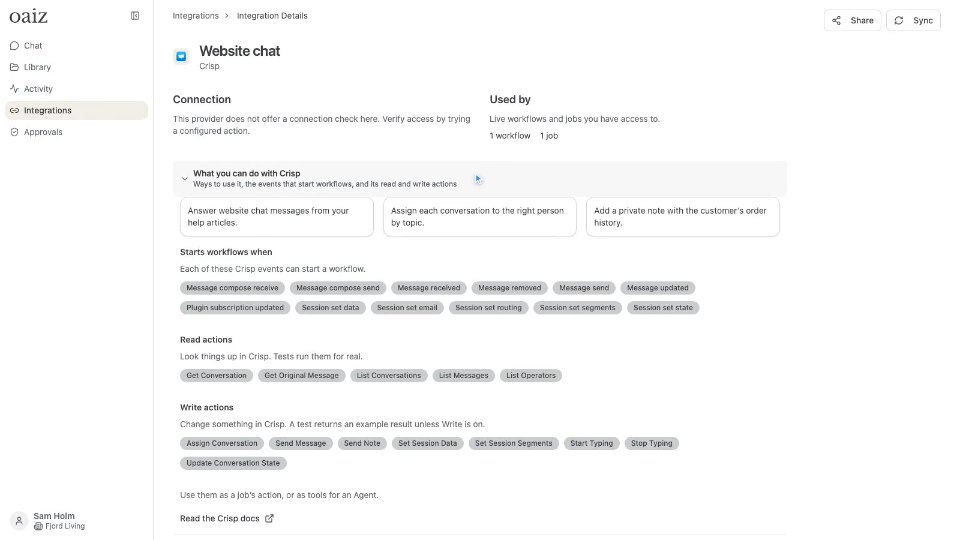 1:02What you can do with CrispWhat Crisp lets your workflows do: real uses, the events that start them and its read and write actions.
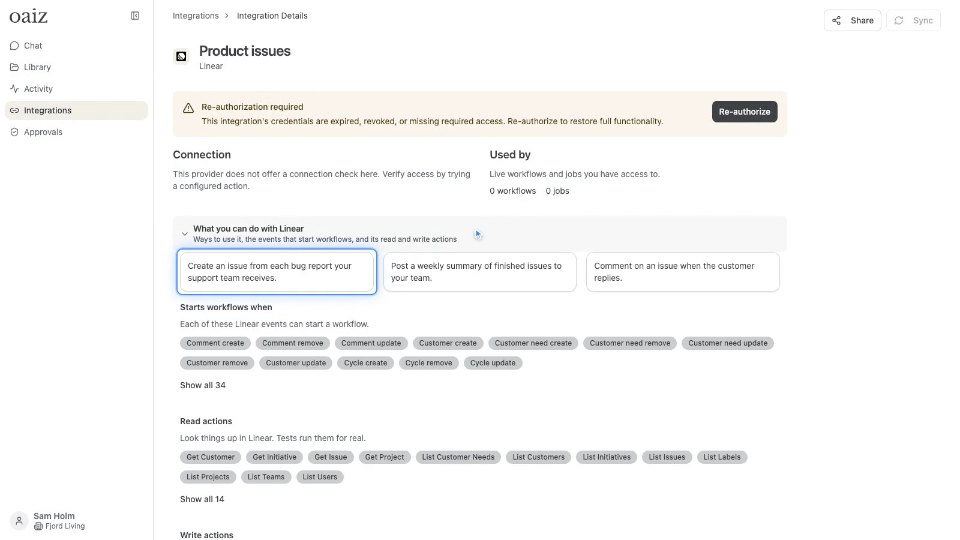 1:02What you can do with LinearWhat Linear lets your workflows do: real uses, the events that start them and its read and write actions.
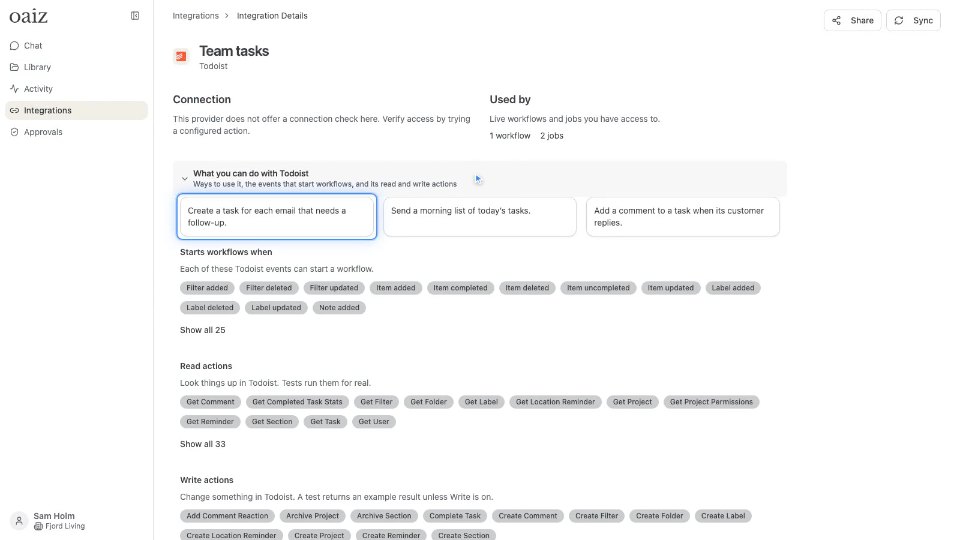 1:03What you can do with TodoistWhat Todoist lets your workflows do: real uses, the events that start them and its read and write actions.
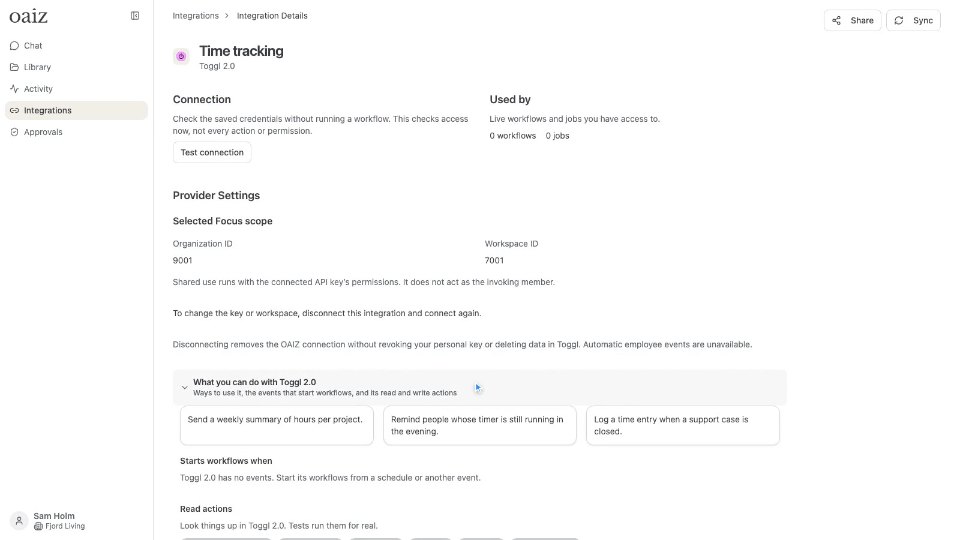 1:12What you can do with Toggl 2.0What Toggl 2.0 lets your workflows do: real uses, the events that start them and its read and write actions.
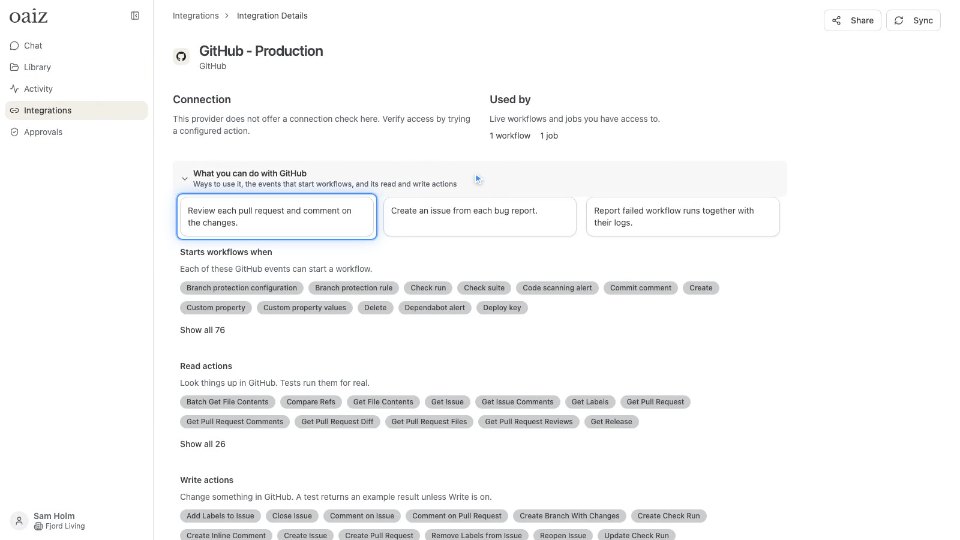 1:02What you can do with GitHubWhat GitHub lets your workflows do: real uses, the events that start them and its read and write actions.
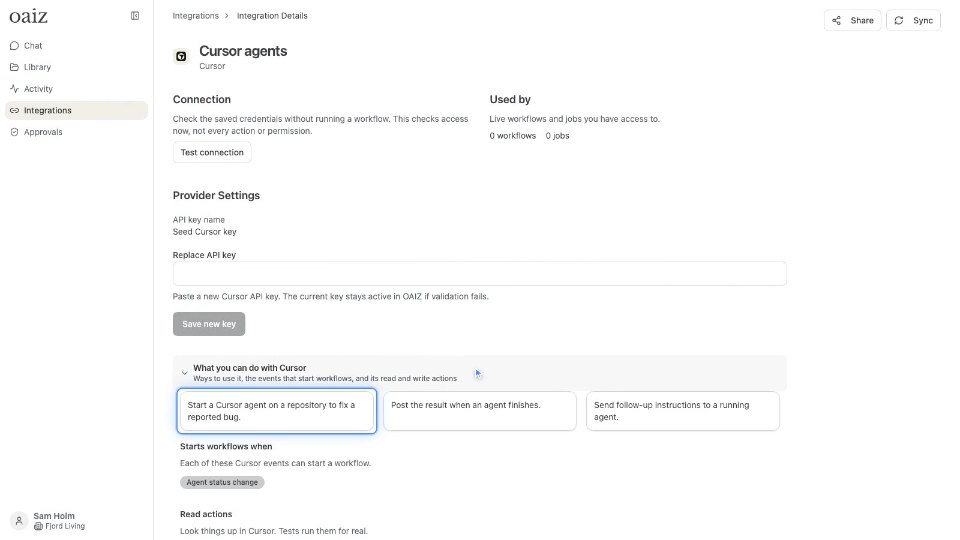 1:04What you can do with CursorWhat Cursor lets your workflows do: real uses, the events that start them and its read and write actions.
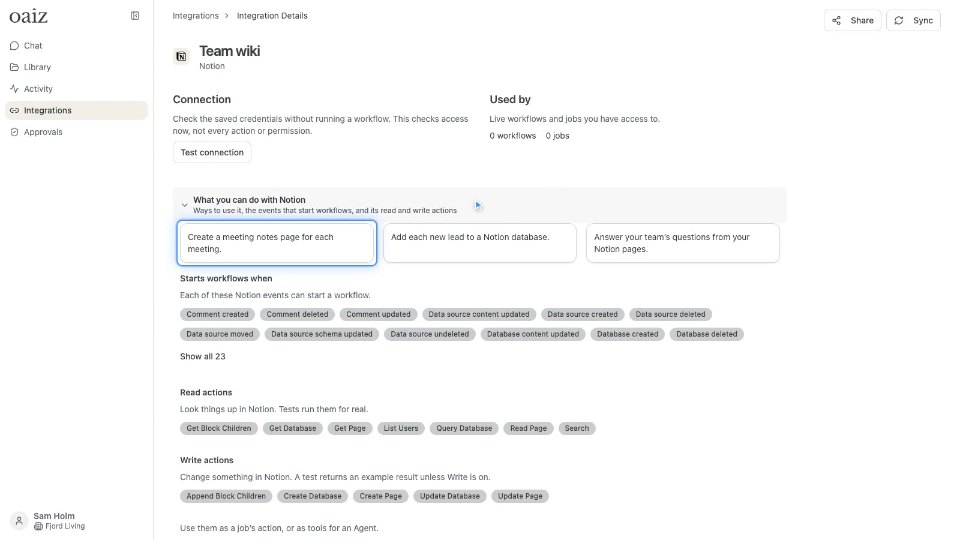 1:03What you can do with NotionWhat Notion lets your workflows do: real uses, the events that start them and its read and write actions.
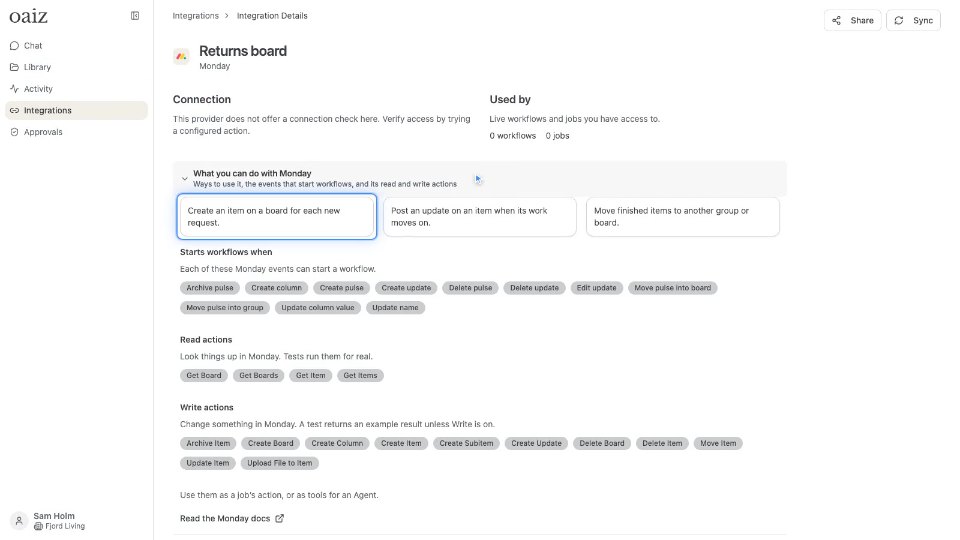 1:02What you can do with monday.comWhat monday.com lets your workflows do: real uses, the events that start them and its read and write actions.
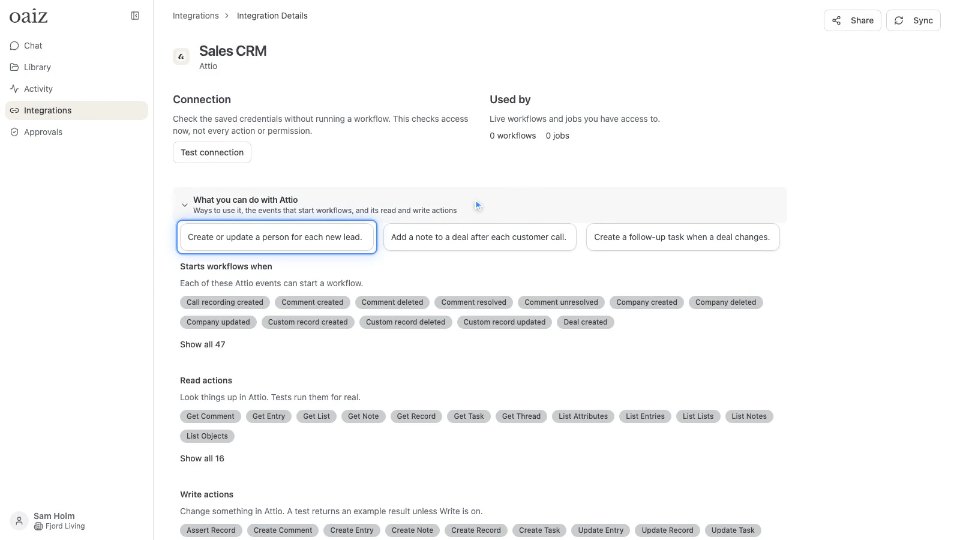 1:01What you can do with AttioWhat Attio lets your workflows do: real uses, the events that start them and its read and write actions.
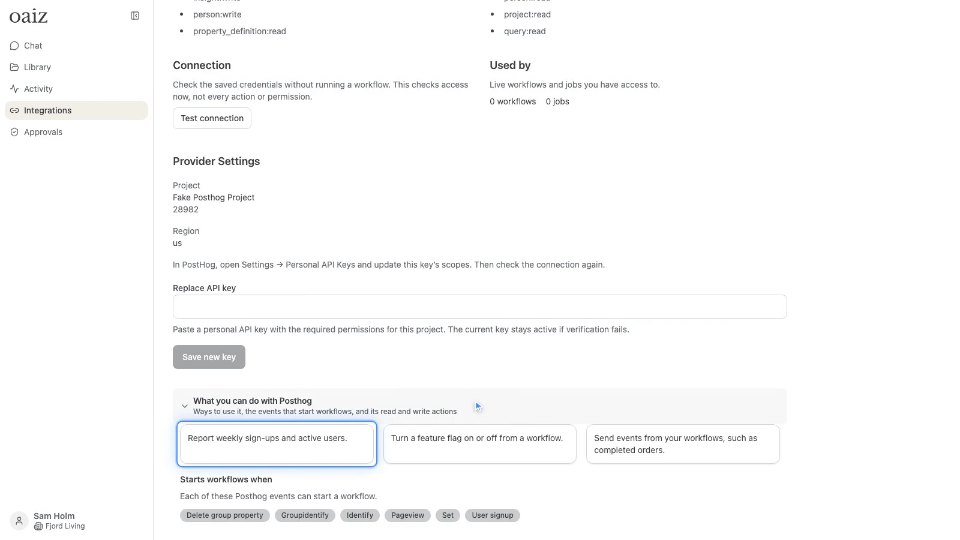 1:06What you can do with PostHogWhat PostHog lets your workflows do: real uses, the events that start them and its read and write actions.
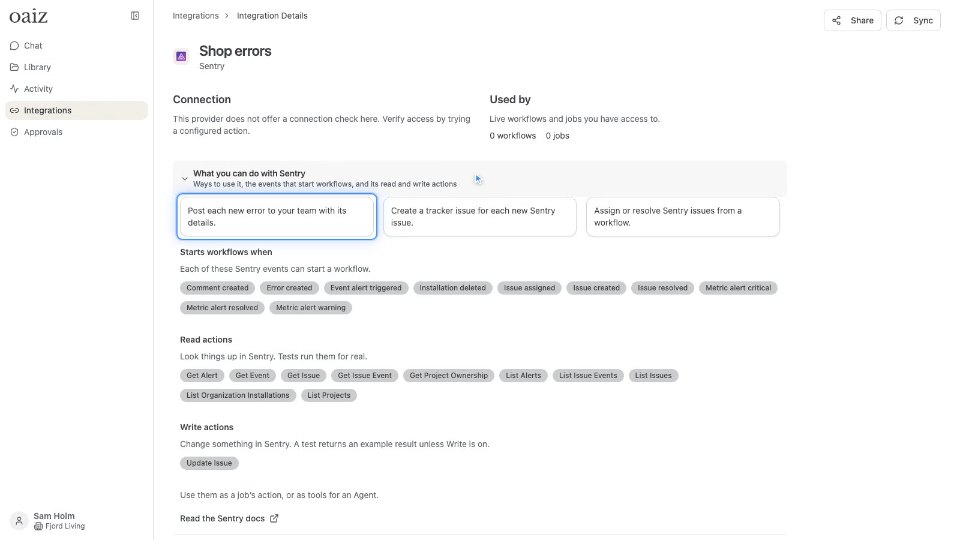 1:02What you can do with SentryWhat Sentry lets your workflows do: real uses, the events that start them and its read and write actions.
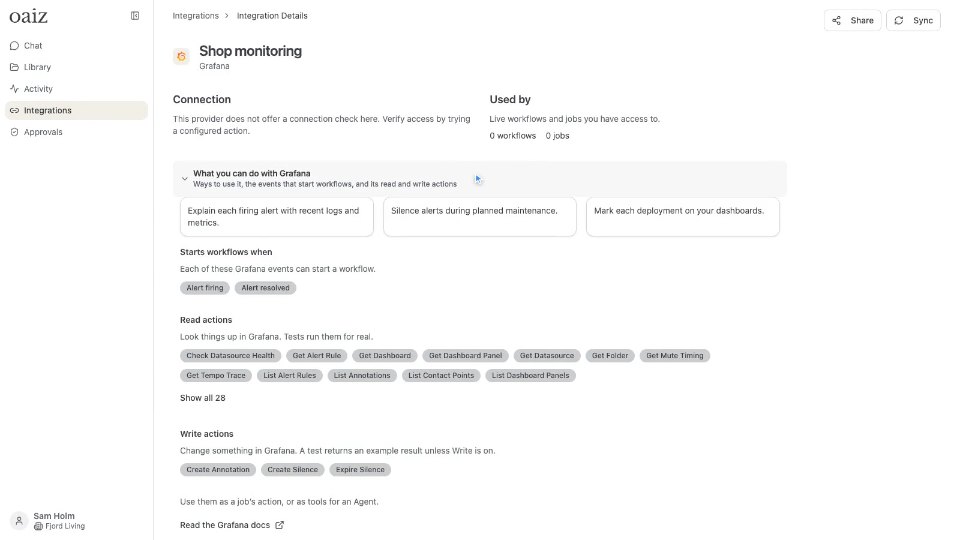 1:08What you can do with GrafanaWhat Grafana lets your workflows do: real uses, the events that start them and its read and write actions.
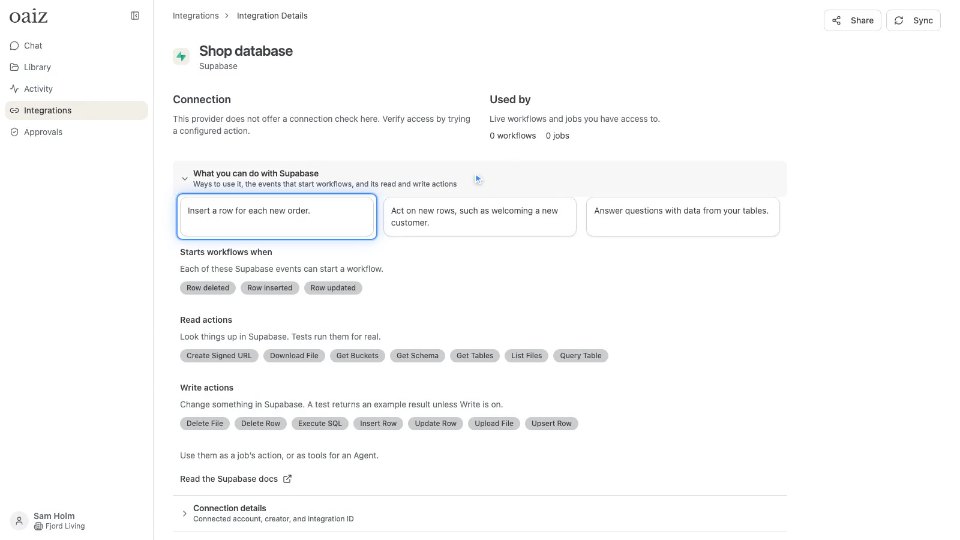 1:02What you can do with SupabaseWhat Supabase lets your workflows do: real uses, the events that start them and its read and write actions.
The narration is AI-generated, and every video has captions. Press C to turn captions on or off. The left and right arrows skip five seconds, 1 to 9 jump to a section, M mutes, and S or D slow down or speed up. Each video remembers where you stopped.