All videos
Jobs
10 min
What a job is, and every part of one in the job editor: trigger, Filters, action, knowledge, output event and access.
Start with What is a job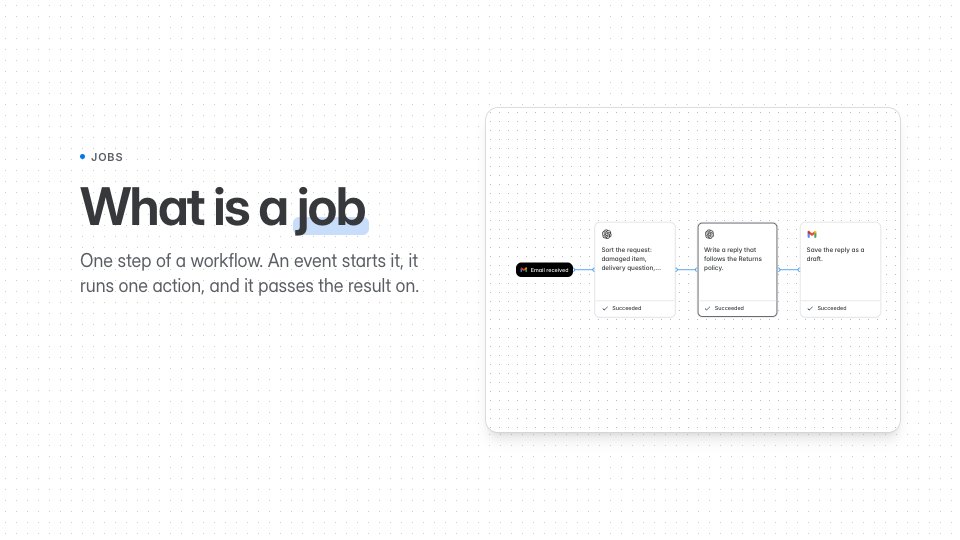 2:38What is a jobWhat starts a job, the one action it runs, what it passes on and what it may use.
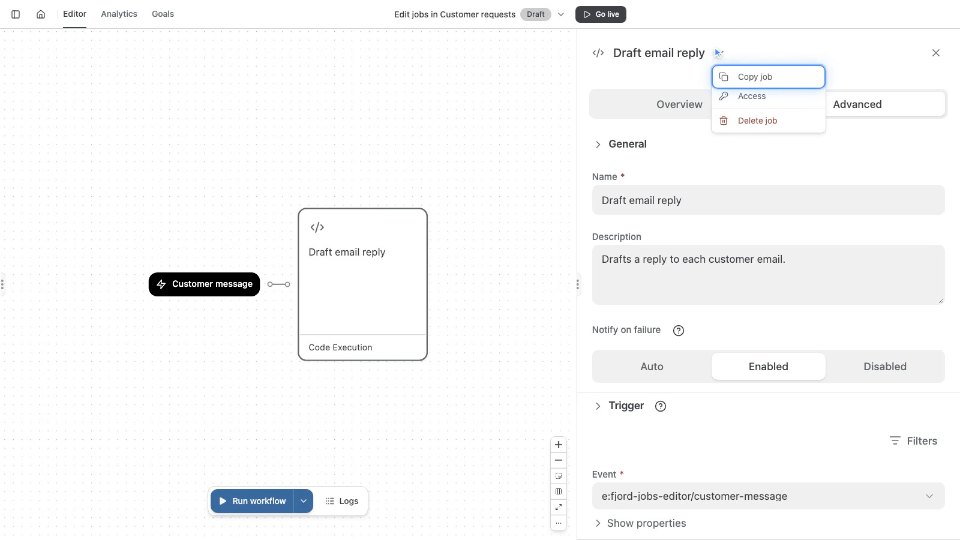 1:12Open a job and set its detailsOpen the job editor, name the job, and choose who hears when it fails.
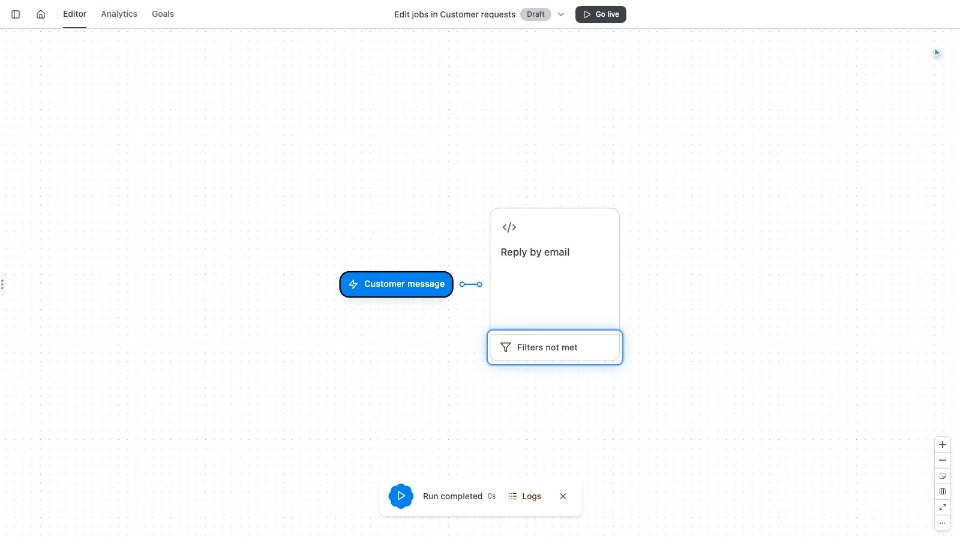 1:09Choose when a job runsPick the event that starts a job, and add Filters so it runs only for the right ones.
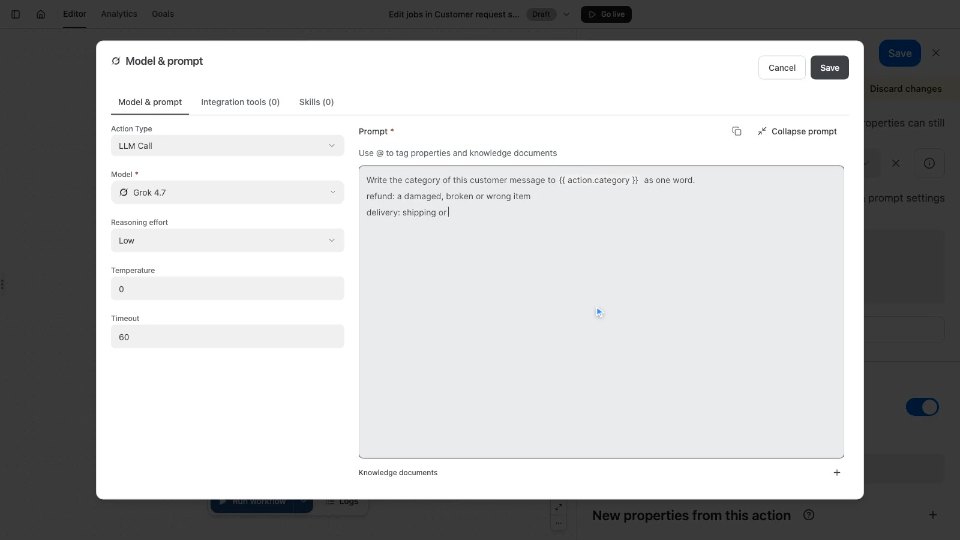 1:11Choose the action, model and promptMake a job an LLM call, pick its model and settings, and write the prompt.
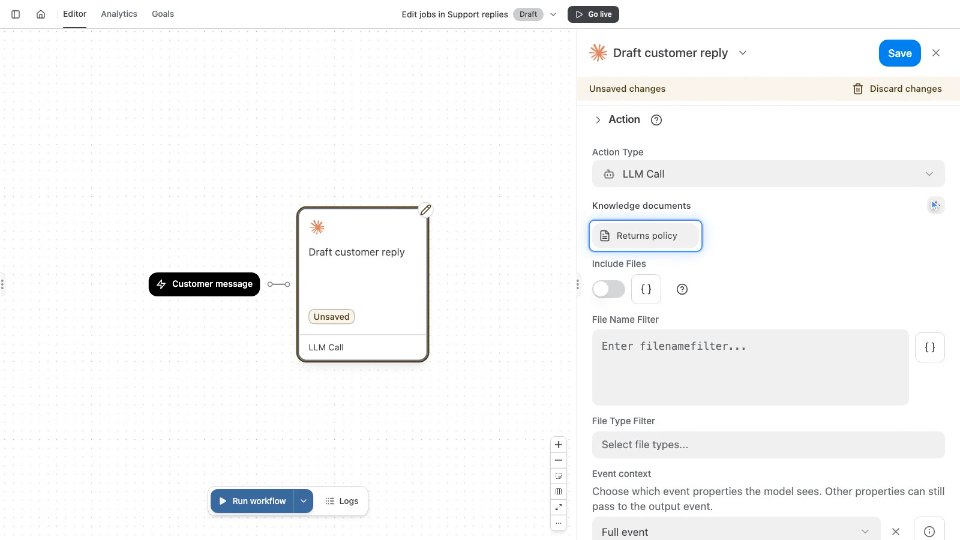 0:55Attach knowledge to a jobAttach a policy document so the job follows it in every reply.
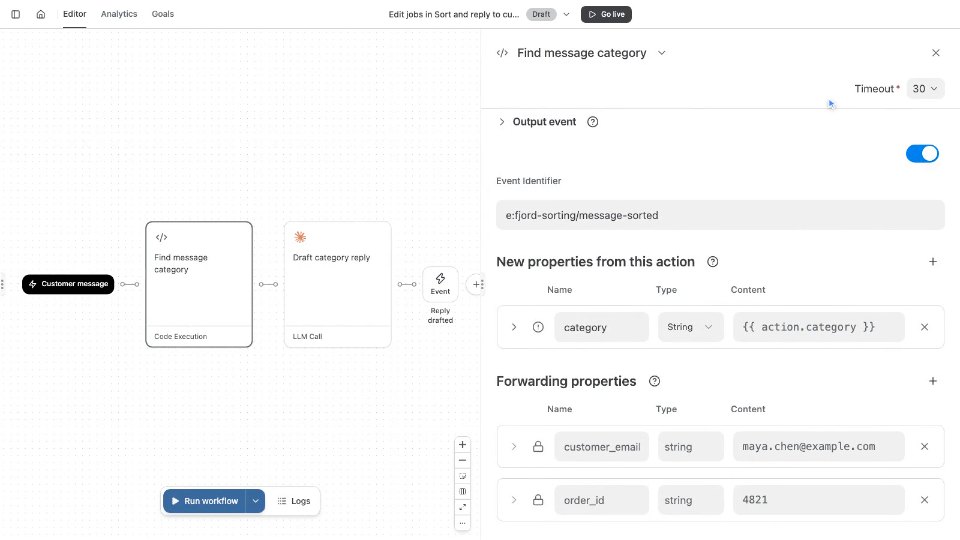 1:07Pass results to the next jobPut a job’s results on its output event, so the next job can use them.
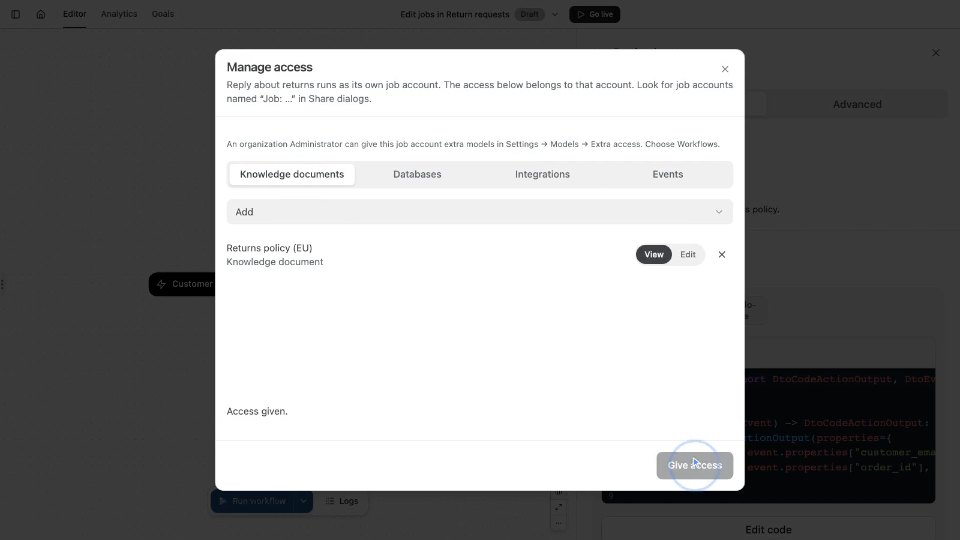 1:03Give a job accessGive a job’s account access to the documents, databases and events it uses.
The narration is AI-generated, and every video has captions. Press C to turn captions on or off. The left and right arrows skip five seconds, 1 to 9 jump to a section, M mutes, and S or D slow down or speed up. Each video remembers where you stopped.