All videos
Apps · 1:30
Build an app with Chat
Create an app in the Library and ask Chat to build its page beside a live preview.
Transcript
0:00Build an app with Chat
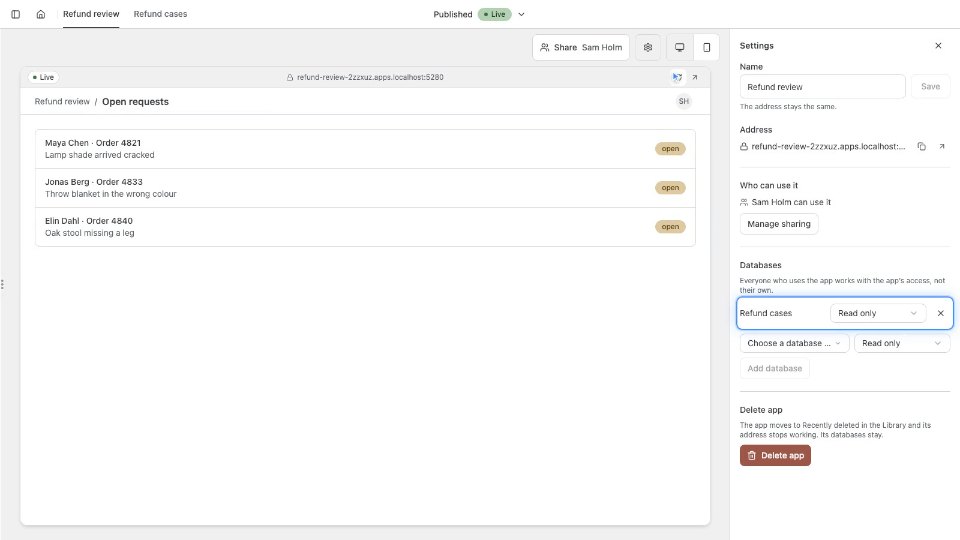
In the Library, choose New, then App. Every app starts from the OAIZ app starter. Give the app a name of up to 100 characters. Sam calls it Refund desk. The app opens on its own page, with Chat on the left and a live preview. Once the starter is ready, the preview signs Sam in with OAIZ. Sam describes the page in plain words: open refund requests, their totals, and buttons to approve or reject each one. Chat edits the app’s files. Its first change makes a draft from the live version. When the turn ends, the canvas switches to the draft and the preview runs it. Chat saves the changed files as one version of the draft, and its message names it. The draft has its own preview address, so the live app stays as it was. Each request shows its customer, order, amount and reason, with Approve and Reject, as Sam asked. Undo this turn brings back the version from before the turn. The menu lists the live version, the draft and its versions. Chat never publishes. Screen size switches the preview between Desktop and Phone.