All videos
Workflows · 1:30
Understand the workflow OAIZ created
Follow one customer message through events, jobs, and actions.
Transcript
0:01Welcome
This video follows one customer message through a workflow, so you can see what each part does.
0:08Words to know
Most of what you see on the canvas comes down to a few words. Event, job, action, and workflow. One more word, knowledge, gets its own series, Knowledge.
0:21The event
It starts with an event. Maya's email arrives, and OAIZ records it with a type, Email received. The event also carries the details of the message. The sender, the subject, and the text. OAIZ calls these properties.
0:37The job
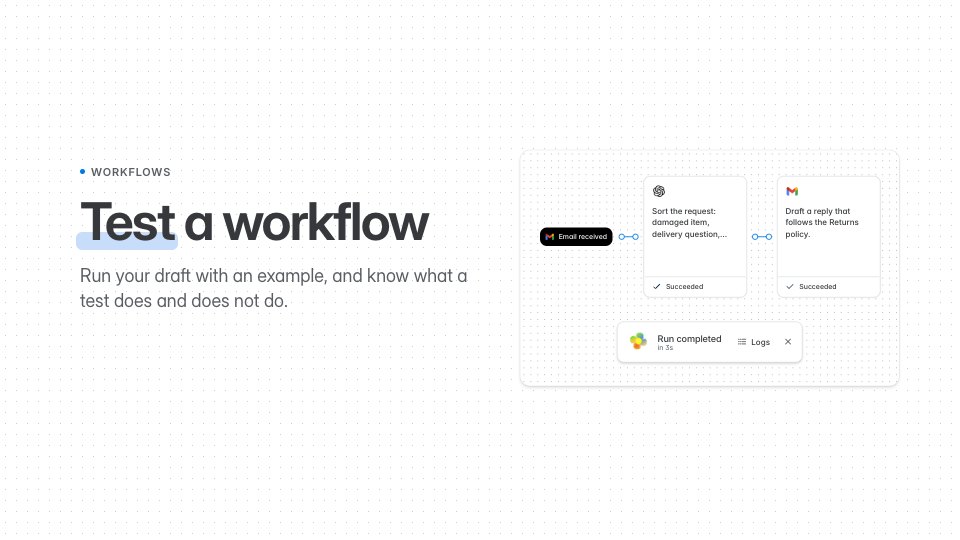
A job waits for one type of event. When a matching event arrives, the job checks its filters, and then runs its action. Here, a model reads the email and decides what kind of request it is. OAIZ calls this action an LLM call. When it finishes, the job publishes a new event with its result. That event starts the next job.
1:00The workflow
A workflow is the group of jobs that work together. Information passes from one job to the next through these events. The lines on the canvas show which event each job listens for. Some jobs only run in certain cases. Their filters check each event first, for example that the message is about an order. When a shipping question comes in instead, that job does not run. The canvas shows Filters not met.